Different types of Calibration
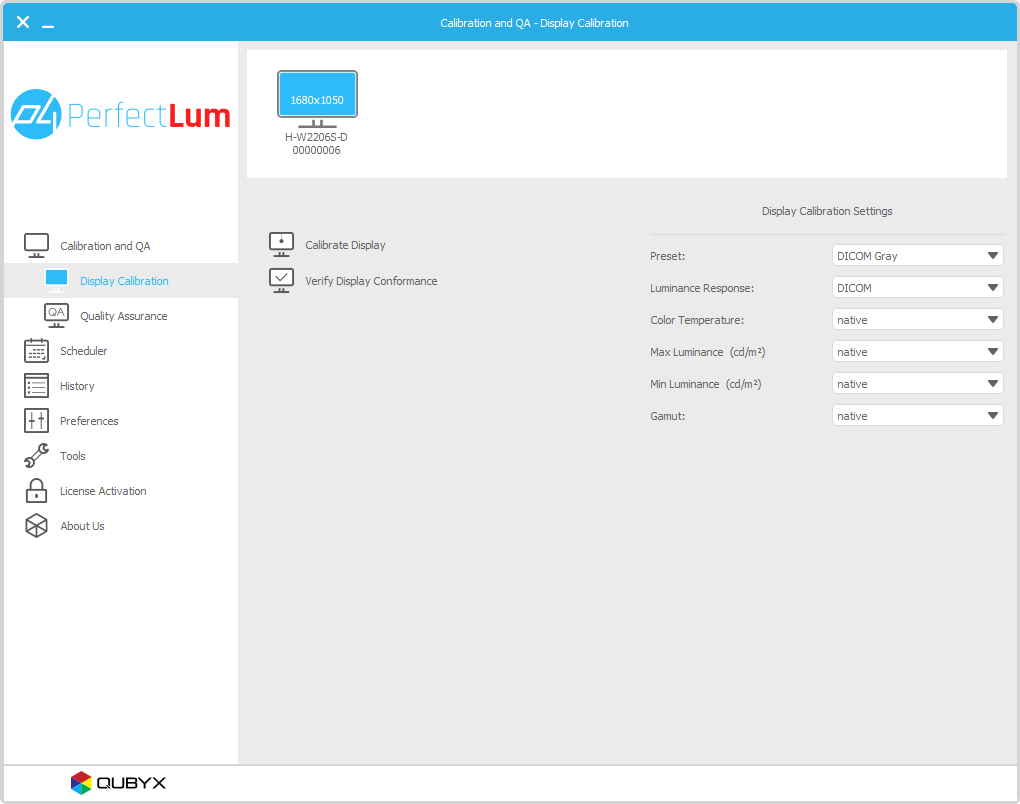
  • Supports the following types of calibration.
    • DICOM Part 14 GSDF
    • Gamma calibration
    • CIE L*
    • Native gamma
  • Color calibration over LUT.
  • White Level adjustment over DDC/ci.
  • Ambient light compensation.
Different types of calibration
Display Remote management

PerfectLUM Remote management server helps the administrators to maintain a consistent image reproduction across the network. With its simple user interface and powerful features, managing a medical display network is very easy.

  • Perform or Schedule Calibrations remotely.
  • Recieve display performance alerts.
  • Analyse display performance using the history.
  • Possibility to perform tasks over internet.
Display Remote management
DDC/ci & Serial communication

The Corrected LUT can be stored directly into display, if the supports it.

PerfectLUM can store LUT into display by communicating with display both by using DDCci or Serial communication.

Using this feature PerfectLUM can perform calibrate display without any human interaction.

DDC/ci & Serial communication
Maching of display & Reference calibration

Matching of displays make two displays to look similar. It is achieved by adjusting the luminance to the same level and performing the calibration.

Reference calibration is similar to Matching of displays except it is done across the networked computers.

Maching of display & Reference calibration

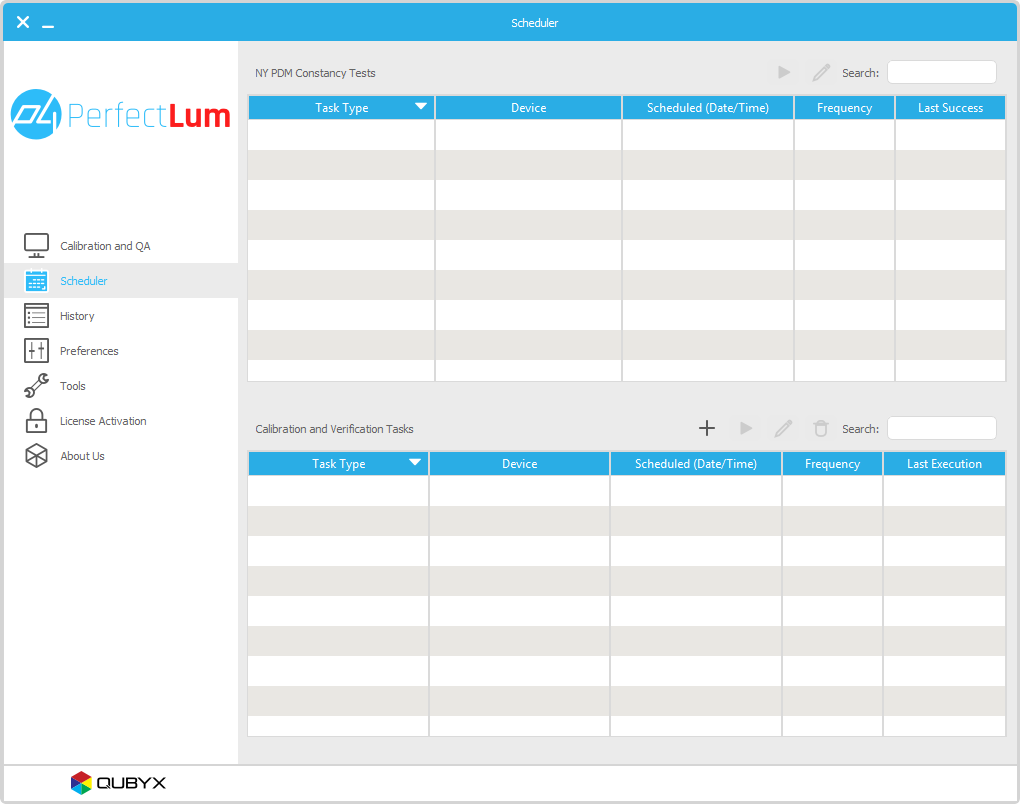
Built-in Scheduler

PerfectLUM comes with a fully featured Scheduler application.

Scheduler application will start along with windows and closes only when windows shutdown.

Tasks can be scheduled and repeated at regular intervals like weekly, monthly, yearly, etc.

Built-in Scheduler


matching Matching of Display
Helps to match more than one display with a master display.

uniformity Uniformity correction
Makes the display luminance uniform all over the display.

history Scheduler
Bundled with a built in scheduler for performing tasks.

reference Reference calibration
Displays can be matched across the network.

calibration Types of Calibration
Performs different types of calibration..

remote Remote Management
Display can be managed remotely using the Remote manager.


What is PerfectLum?

PerfectLum is a software to calibrate and verify medical displays that are used for Diagnostics or Viewing of medical images coming in widest sense from biological- medical- imaging, radiology, radiological sciences, endoscopy, Tomography, Ultrasound, medical photography and microscopy.

For some fields like Radiology and Mammography some national and international standards are existing to secure image display quality.

PerfectLum is calibrating to those standards like AAPMTG18, DIN6868, IEC, JESRA, DICOM.

For some application fields no standard is existing yet, but PerfectLum already grants today best image displaying quality due to meticulous color and luminance calibration with up to 13bit precision.

PerfectLum can be used as a single client application or in combination with a server. The server give the possibility to verify and control displays from distance over a easy to use browser interface.

With the remote management function a system administrator can control all the displays directly from his workstation.

For whom and what application is PerfectLum?

Perfectlum is used by people who need quality imaging to deliver quality service.

Typical users are Radiologists, Researchers, Dentists, Hospitals to enhance and verify display quality of displays used for diagnostics or viewing.

Those displays can be directly connected to the imaging device or be part of a PACS system.


What offers PerfectLum?
  • PerfectLUM Client module
    • Calibration to a certain white level
    • Calibration to DICOM GSDF
    • Calibration to Gamma and CIE L standard
    • Calibration to certain color temperatures and xy coordinates
    • Calibration of display uniformity with Matrox Xenia board
    • Verification of DICOM GSDF conformance
    • Verification of display colors and luminance
    • Verification of display uniformity
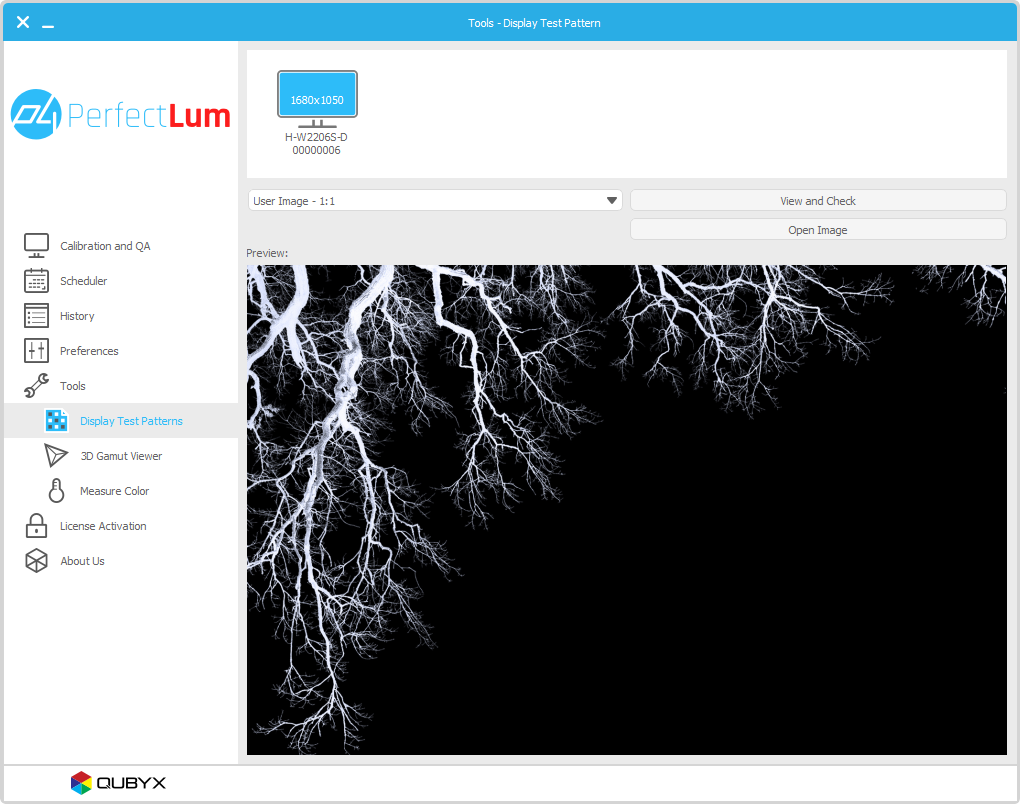
    • Visual display verification with Testpattern like Briggs, SMPTE, AAPM
    • Detailed History database with graphs for each calibration and white level consistency over time
    • Calibration of up to 8 displays connected to the same workstation
  • Remote management part
    • Verification of display status
    • Remotely start or schedule calibrations and verifications
    • Automatic alerts are send to the managers
What makes PerfectLum special?
  • Compatible with nearly any display
  • Compatible with nearly any graphicboard
  • Compatible with Matrox Graphicboards
  • Compatible with Realvision Graphicboards
  • up to 13 bit calibration
  • DDC/CI support
  • Remote management with internet server or local server
  • Remote management to control and verify displays from distance
  • Easy double click install of remote management server
  • Color-display, Grayscale-display and Projector calibration
Operating system
  • Windows 2000, XP, Vista 32bit.
    Works in vista Tested in Windows Vista.


  • Mac OS X 10.4.0 and higher.
    Works on both Intel and PowerPC Macs PerfectLUM runs natively on Intel- and PowerPC- based Macs.
Displays and Projectors
  • Graphic card LUT
    • Supports all displays and projectors
  • Hardware Calibration and Display LUT
    • IIYAMA PLH2130-2
    • IIYAMA PLH2130-3
    • LumiMED MM02
    • LumiMED MM03
    • LumiMED MM05
    • LumiMED MM03A
    • LumiMED MM05A
    • Olorin VL211D
    • Olorin VL200D
    • Olorin VC190D
    • Olorin MC190D
    • Olorin VC200D
    • Olorin MC200D
    • VIEWMEDIC EV-C119
    • VIEWMEDIC RV-C219
    • VIEWMEDIC RV-C221
    • VIEWMEDIC RV-C321
  • Hardware Calibration and Projector LUT
    • Canon SX6
    • Canon SX60
    • Canon X600
Measurement device
  • Colorimeter
    • X-Rite Eye-One display
    • X-Rite Eye-One display 2
    • X-Rite Monaco OPTIX XR
    • X-Rite DTP 94
    • X-Rite Gamma 3
    • X-Rite Chroma 4
    • X-Rite Chroma 5
    • Datacolor Spyder3
  • Spectralphotometer
    • Gretag Macbeth Eye-One Pro
    • Gretag Macbeth Eye-One Monitor
  • Spot Luminacemeter
    • IBA dositometry / Wellhoefer LX Plus
    • IBA dositometry / Wellhoefer LX Can
    • IBA dositometry / Wellhoefer LX Chroma